Developer Portal
How to register for the Developer Portal and get your account validated before you can start using it.
The Developer Portal at portal.haufe.ai is your central hub for managing your integration with the Haufe Copilot via API. It provides:
- API status and usage (WIP) — Monitor availability and track your current consumption at a glance.
- Credential management — View and rotate your API keys or OAuth client secrets.
- Team access — Invite team members so they can access the same application and collaborate.
- Documentation — Access the full API documentation directly from the portal.
Registration
Access to the Developer Portal requires an active service agreement with Haufe. If you are interested in using the Haufe Copilot via API, please reach out to your Haufe contact person or our product management team to discuss your use case and get started.
Register at portal.haufe.ai
Once your access has been confirmed, you can create your account. Enter your first name, last name, and email address in the registration form and click Sign Up.
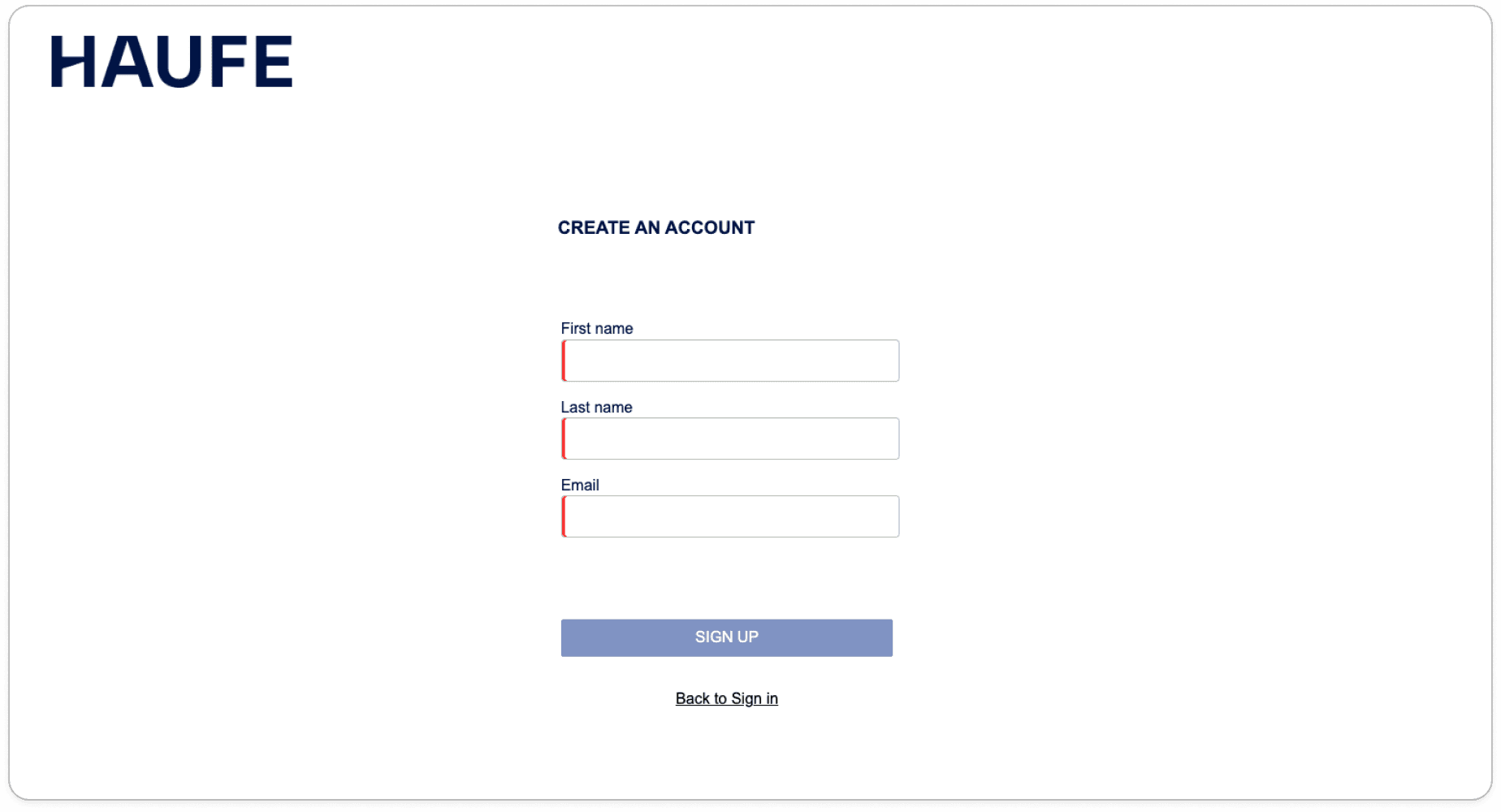
After submitting, you will see a confirmation screen. Your request is now pending review by the Haufe team.
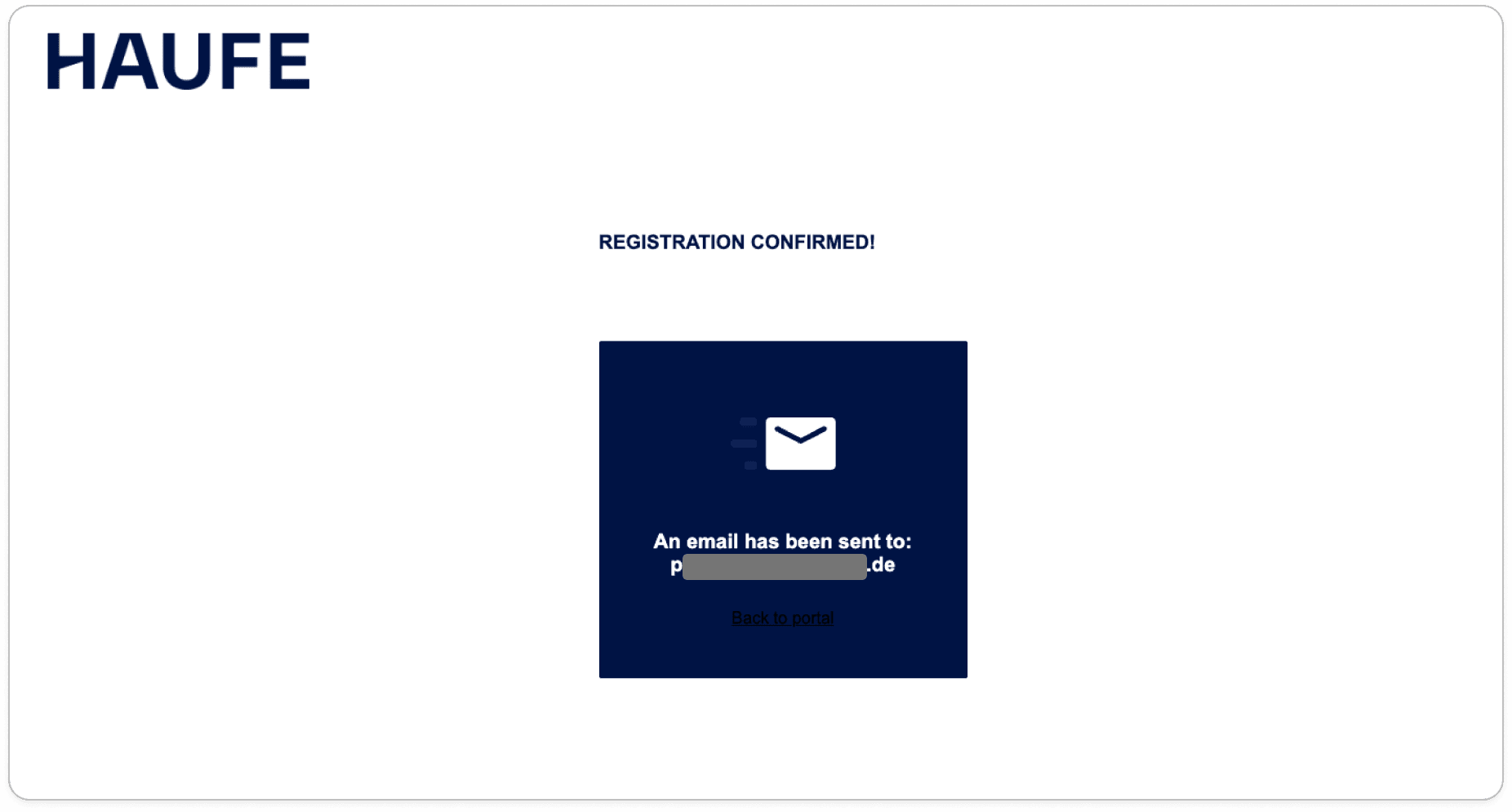
Account validation
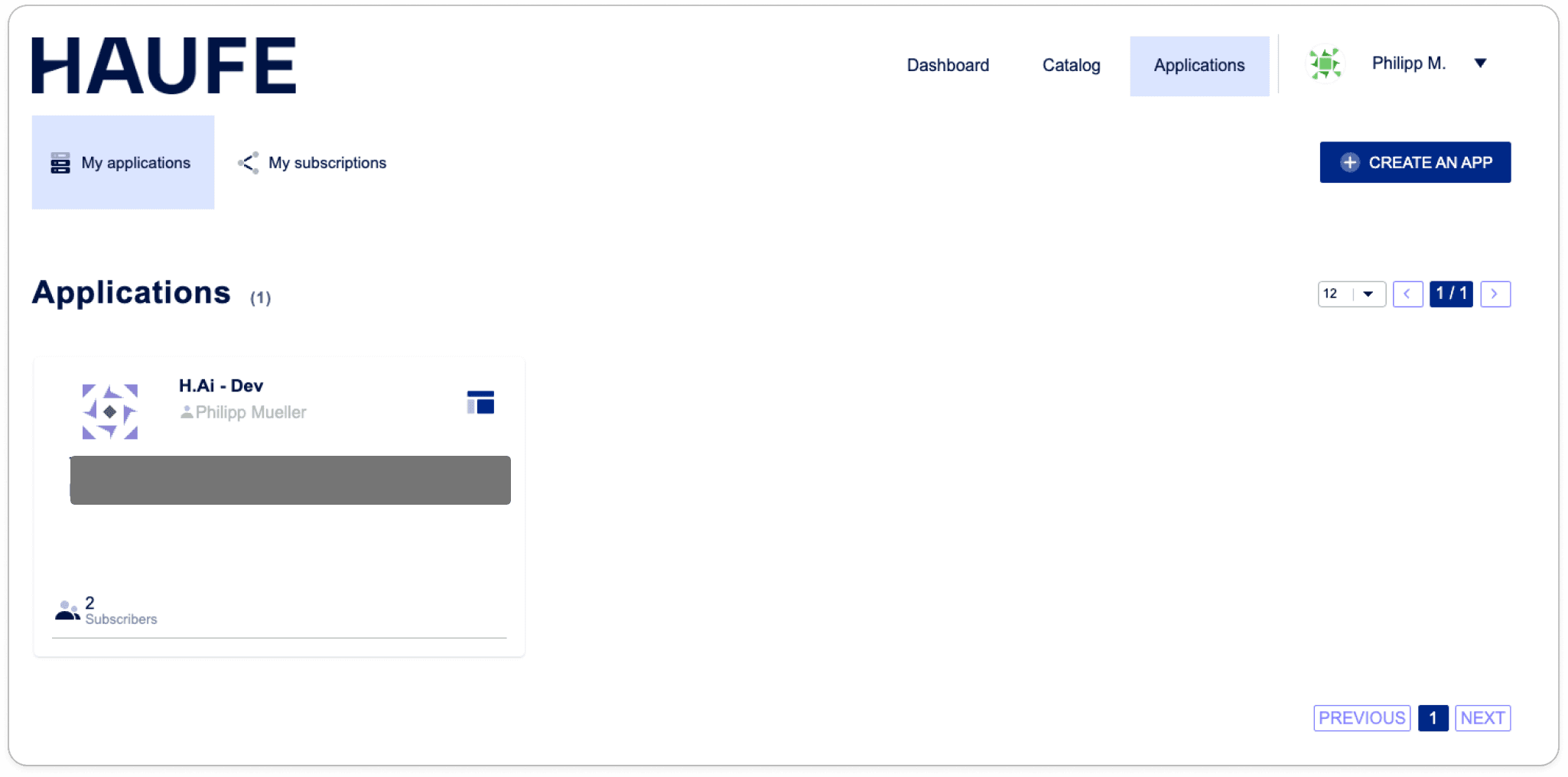
Your account will not be active immediately. A Haufe contact person needs to approve your registration before you can log in and use the portal. Once validated, we will assign your application to your account. You will receive an email confirming the activation, and your application will be visible in the portal as soon as you log in.
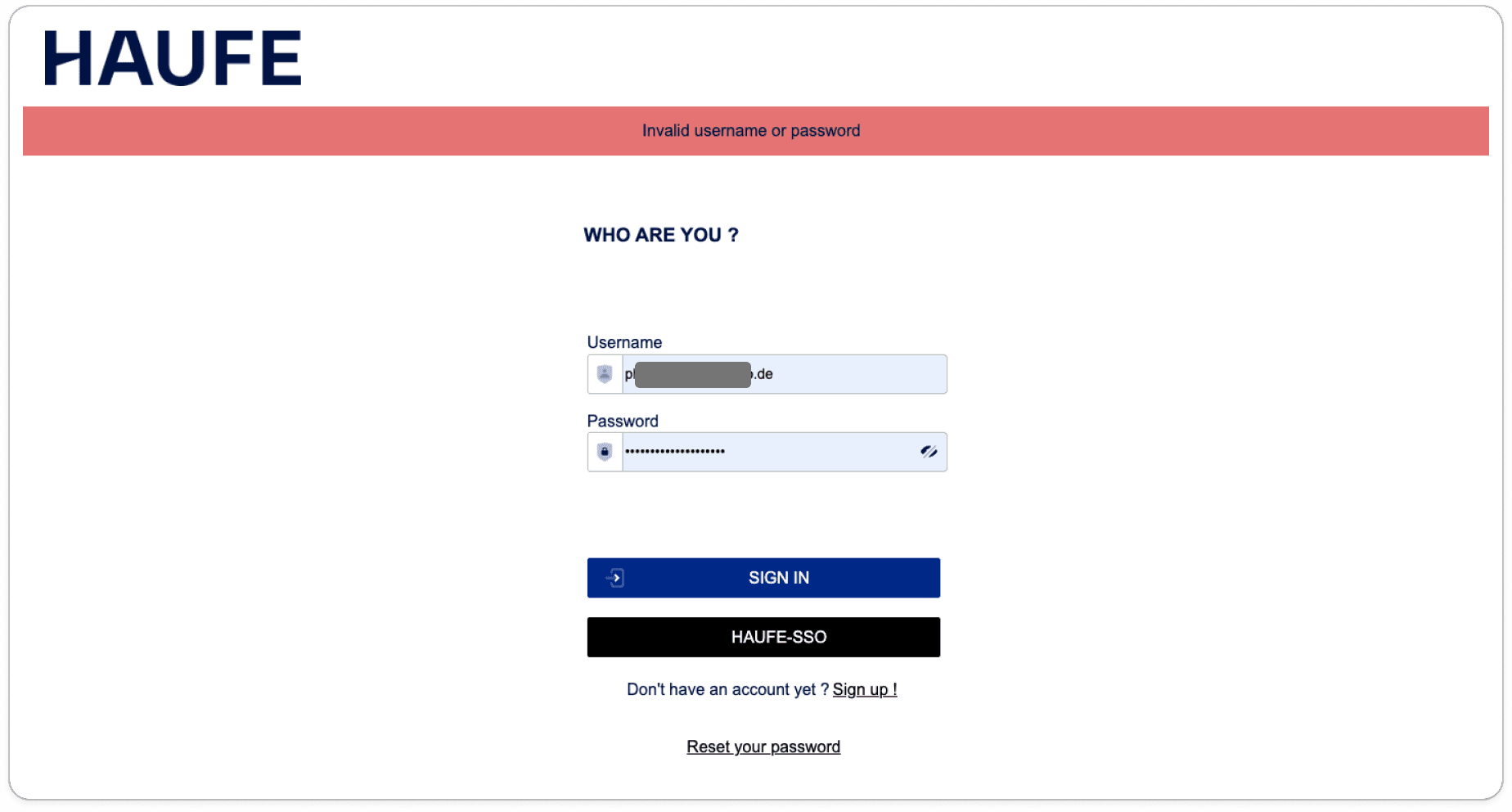
If you try to log in before your account has been approved, you will see an "Invalid username or password" error. This does not mean your credentials are wrong — it means your account has not yet been validated. You will receive an e-mail as soon as it has been validated.
If this persists, please reach out to your Haufe contact person.
How to use the portal
Your account can have multiple applications. Each application contains one or more subscriptions. A subscription grants access to a specific API and defines its rate limits. Applications and subscriptions are assigned by the Haufe team.
Accessing Applications
Navigate to the Applications tab to see all applications assigned to your account. If you do not see any applications after logging in, reach out to your Haufe contact person to have a subscription assigned.
Subscriptions and API keys
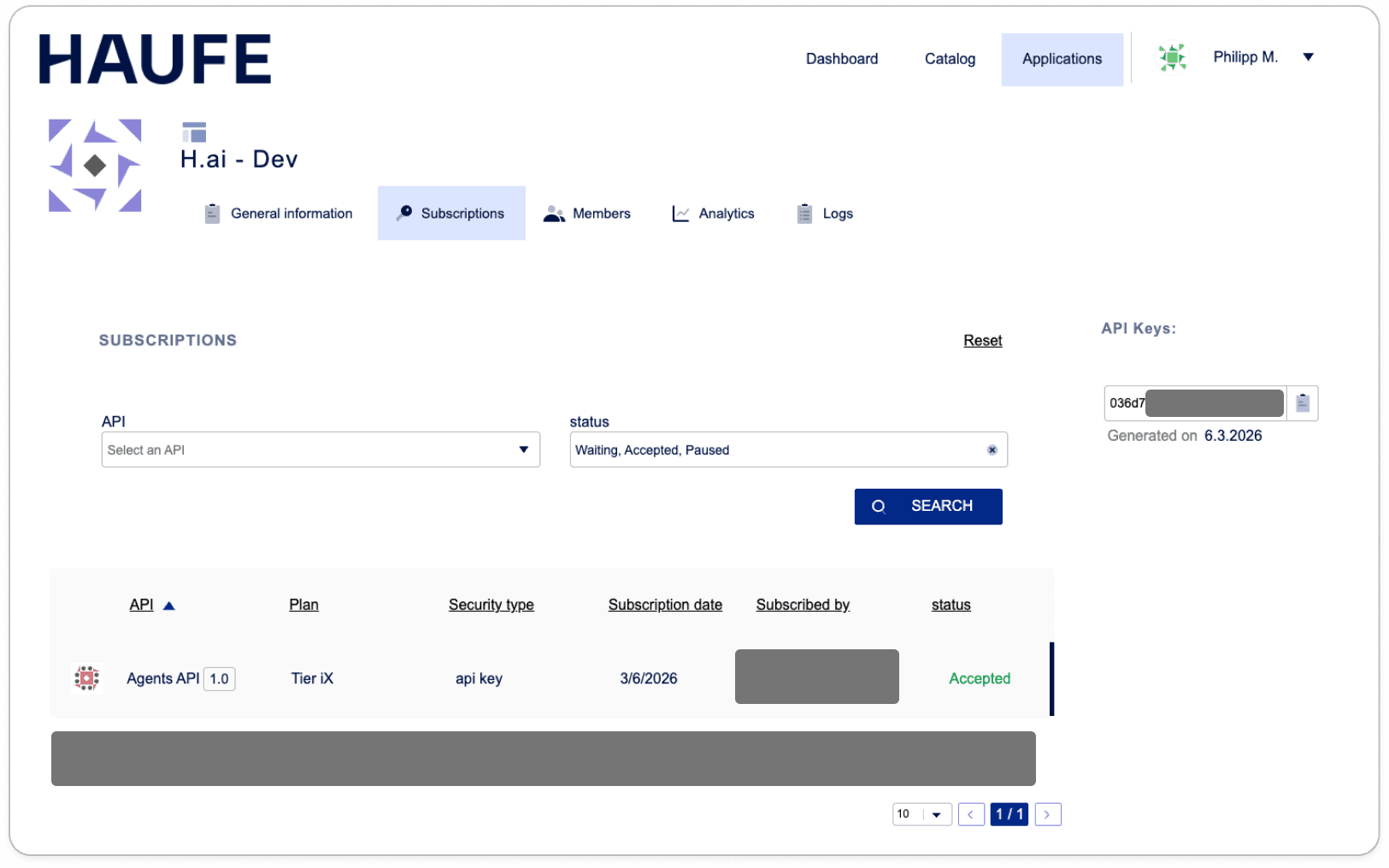
Select an application to view its subscriptions. Each subscription shows the API it provides access to, its status, and the associated API key. You can also rotate your API key here if needed.
OAuth applications
If your application authenticates with OAuth user tokens, it has no API key. The application settings show the client ID and the client secret instead. You can renew the client secret and edit the redirect URIs there.